01 · LABEL THE UNIT
Your shop. On every unit.
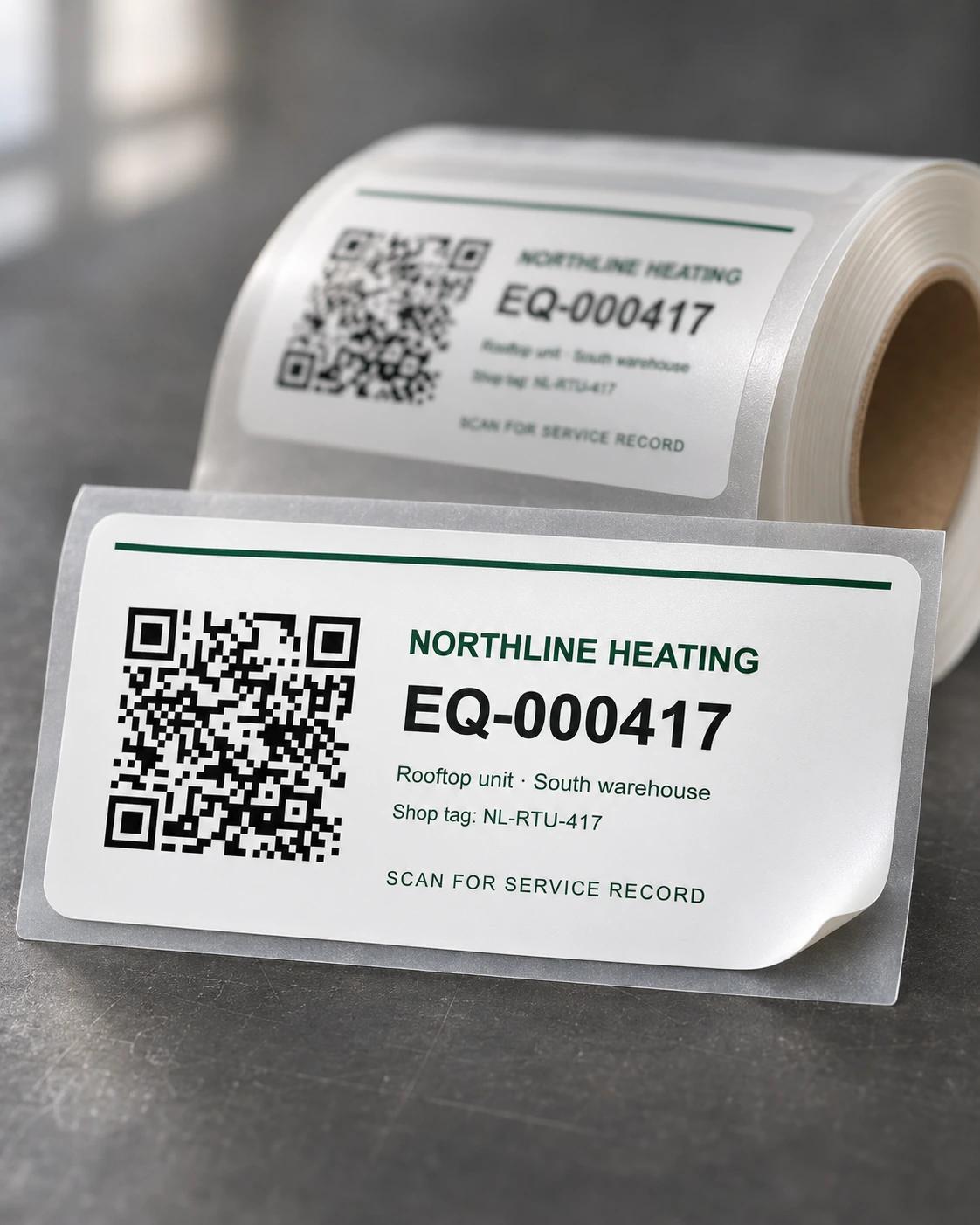
Use professionally printed vinyl labels with your shop’s name, a QR code and the equipment number. You can also print your own label sheets.
EQUIPMENT QR LABELS
From the label on the equipment to the notes from the last visit. Here’s how your crew uses QR labels in Paperticket.
Follow a sample unit ↓Sample vinyl label → scan on site → equipment record
01 · LABEL THE UNIT
Use professionally printed vinyl labels with your shop’s name, a QR code and the equipment number. You can also print your own label sheets.
02 · SCAN ON SITE
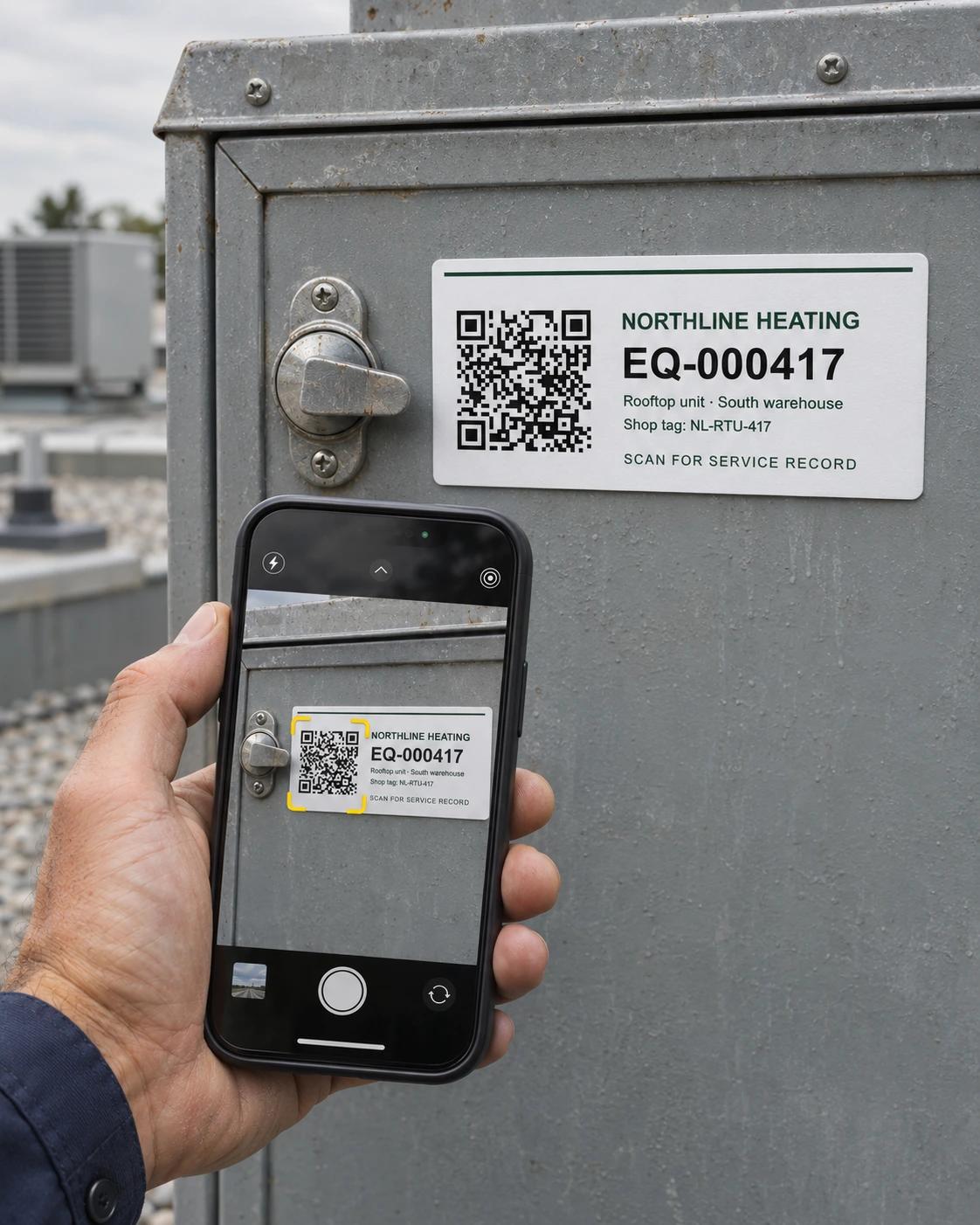
The label stays on the equipment. A signed-in technician scans it with their phone to open the right unit’s record.
03 · SEE THE RECORD
See the unit’s specs, photos, previous visits and parts. Record this visit so the next technician has the context too.
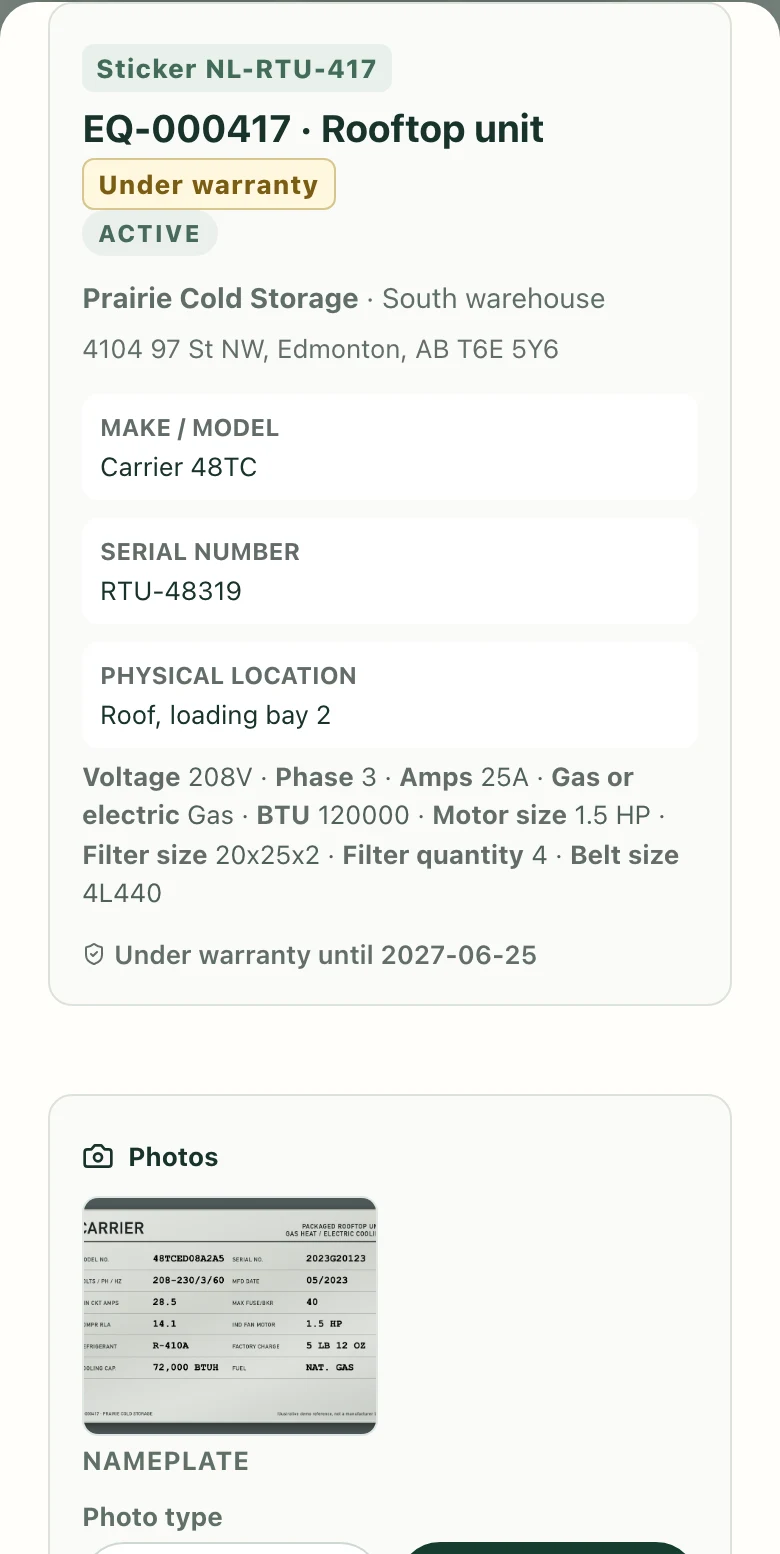
Label and scanning images are illustrative. Your shop’s tags open equipment lookup for signed-in staff; the printed code can also be typed in.
TRY IT WITH SAMPLE DATA
The printing demo lets you select sample units, reserve blank codes and preview a label sheet. It doesn’t create records in a live shop.